
DIY or Professionally Monitored Home Security? A Privacy and Contract Guide
A needs-first U.S. buyer guide that treats cameras, sensors, monitoring, cybersecurity, and recurring obligations as one system.
Key takeaways
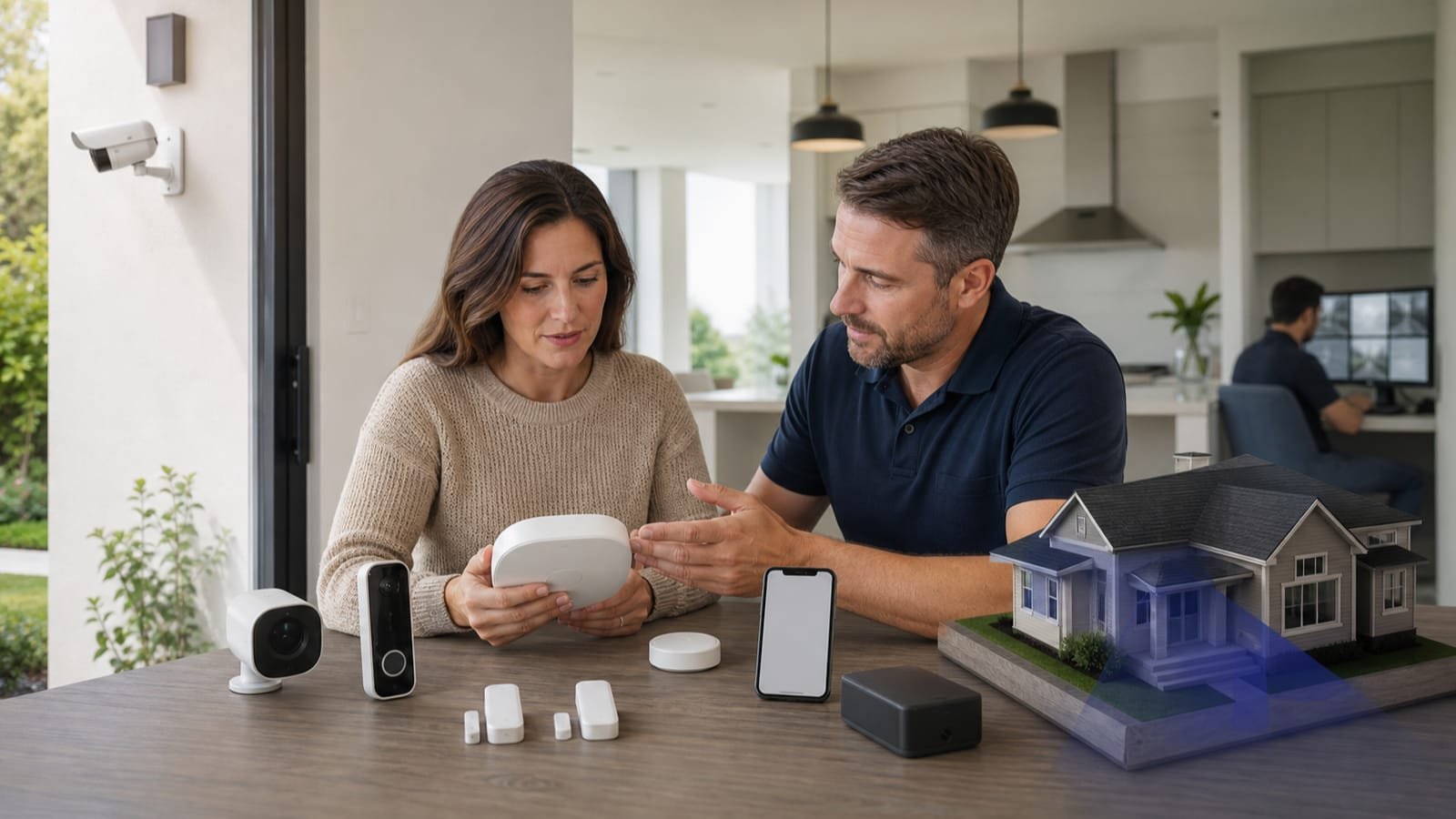
- Define events and response responsibilities before shopping for devices.
- Self-monitoring depends on the household receiving, interpreting, and acting on alerts; professional monitoring adds a response service but does not guarantee an outcome.
- Compare internet, cellular, power, battery, siren, sensor, and account resilience.
- Review equipment ownership, subscription dependency, contract term, cancellation, transfer, data retention, sharing, and deletion.
- Use unique credentials, multifactor authentication, supported devices, updates, privacy zones, and minimum necessary camera coverage.
Home security is not one product category. A local alarm with entry sensors, a cloud camera subscription, a professionally monitored system, and a self-hosted video recorder create different response, privacy, and maintenance obligations. Begin with the events the household wants to detect and who is expected to act—especially when nobody is available to check a phone.
Detection, notification, verification, monitoring, communications, and emergency response can each fail or be delayed. Compare capabilities and limitations without fear-based claims or promises that equipment prevents crime.
Build a response matrix before choosing equipment
Event and response plan
| Event | Detection needed | Who verifies and acts |
|---|---|---|
| Door or window opens | Contact sensor, armed state, entry delay, and user identity | Household, trusted contact, or monitoring center under defined procedures |
| Motion inside or outside | Sensor or camera zones with pet and environment considerations | Person reviews context; system may trigger siren or monitoring workflow |
| Smoke, carbon monoxide, water, or freeze | Purpose-built listed detector or compatible environmental sensor | Household and, where supported, monitoring service or emergency response |
| Power or internet loss | Battery status, cellular or alternate path, and supervision | System notification plus household maintenance response |
| Duress or medical need | Accessible panic or wearable feature and a tested communication path | Defined contact or professional service according to the plan |
Compare monitoring models honestly
Self-monitoring and professional monitoring
| Question | Self-monitoring | Professional monitoring |
|---|---|---|
| Who receives alerts? | Household or invited users | Household plus a monitoring center under the service plan |
| Who interprets the event? | The user must check context and decide | The provider follows verification and notification procedures, which vary |
| What if the user is unavailable? | Response may wait or fail unless another contact is configured | The center may continue its call list or dispatch process, subject to contract and local rules |
| Recurring obligation | May still require cloud, cellular, storage, or feature subscriptions | Usually includes a recurring monitoring charge and may require a term |
| Best fit | Users able and willing to manage alerts, connectivity, maintenance, and response | Users who value a staffed response layer and accept its cost, contract, and data handling |
FTC consumer guidance recommends comparing the equipment, installation, monitoring fees, contract length, cancellation terms, and what happens when moving. Confirm whether equipment is purchased, financed, rented, or locked to the provider. Ask which functions stop when a subscription ends and whether cameras, sensors, automations, local recording, or app access still work.
Test resilience, not just features
Failure-mode questions
- What works during internet loss, cellular outage, power failure, hub failure, or phone loss
- Battery duration assumptions, replacement procedure, supervision, and low-battery alerts
- Whether sensors communicate directly with a hub or depend on Wi-Fi
- Siren location and audibility, entry and exit delays, and safe disarming options
- How alarm verification, call lists, emergency contacts, and dispatch procedures work
- Whether local registration or alarm permits apply and how false alarms are handled
- How the system is tested without creating an emergency response
Treat privacy and cybersecurity as buying criteria
The FTC advises camera owners to consider what private areas a camera can see and to secure remote access. NIST consumer-IoT guidance emphasizes capabilities such as identifying devices, changing configuration, protecting data, controlling access, receiving updates, and communicating security status. These are operational questions: who can view live video, how access is revoked, where recordings are stored, how long they remain, and whether deletion actually removes cloud and shared copies.
Privacy and account review
- Unique account password, multifactor authentication, role-based household access, and login alerts
- Supported lifetime, automatic security updates, vulnerability reporting, and device-reset procedure
- Local versus cloud processing and storage; encryption claims; export and deletion options
- Retention period, audio recording, facial or person recognition, third-party integrations, advertising use, and law-enforcement request policy
- Camera field of view, privacy zones, physical shutters, recording schedules, status indicators, and guest expectations
- What happens to accounts, recordings, and device ownership when moving, selling, cancelling, or replacing the system
The Security Industry Association's video-surveillance privacy code recommends addressing camera viewing areas and analytics during planning. Apply data minimization: collect only what supports the stated purpose, avoid private household areas unless necessary, limit outdoor views to the property and task where practical, and grant the fewest people the access they need.
Normalize proposals and contracts
One-page comparison record
- Exact hub, keypad, sensor, camera, siren, environmental, networking, backup, and accessory models and quantities
- Installation, activation, permits, equipment, financing, storage, monitoring, cellular, service, cancellation, removal, and tax charges
- Contract term, automatic renewal, price changes, trial or return limits, cancellation procedure, early termination, moving, transfer, and equipment ownership
- Monitoring center role, verification, call list, dispatch conditions, service-level statements, outages, and limitations
- Installation locations, coverage map, privacy settings, user accounts, training, testing, documentation, warranty, maintenance, and support
Draw coverage before buying bundles
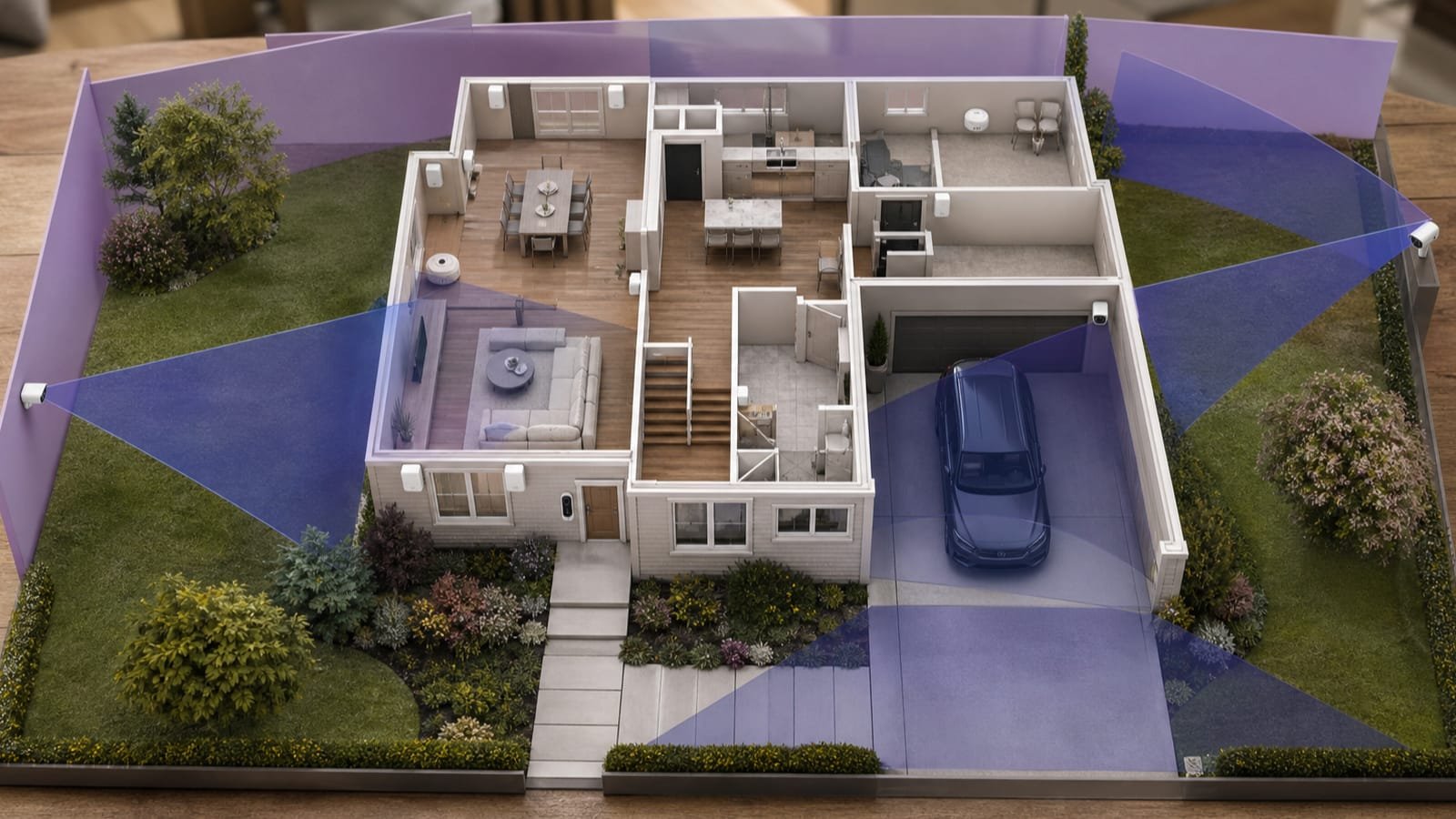
Walk the home and mark exterior doors, accessible windows, attached garage paths, shared entrances, upper-level access, valuables, private rooms, pets, children, older adults, detached structures, weak wireless areas, router and power locations, and environmental risks. Then assign a detection purpose to each proposed device. A bundle with more cameras may still leave entry, smoke, water, or connectivity needs unaddressed.
Device-purpose worksheet
| Device | Purpose to document | Placement limits to test |
|---|---|---|
| Contact sensor | Detect a specific door or window state | Frame shape, alignment, weather, battery access, and bypass behavior |
| Motion sensor | Detect movement in a defined area | Pets, heat, sunlight, curtains, stairs, and entry delay |
| Camera or doorbell | Verify a defined zone or event | Field of view, lighting, glare, night performance, audio, privacy, bandwidth, and mounting height |
| Glass-break or acoustic sensor | Recognize a compatible sound event | Room acoustics, distance, competing noise, supported glass, and testing method |
| Environmental sensor | Detect smoke, CO, water, freeze, or another specified condition | Listing, location rules, maintenance, replacement age, and monitoring compatibility |
Trace the data path
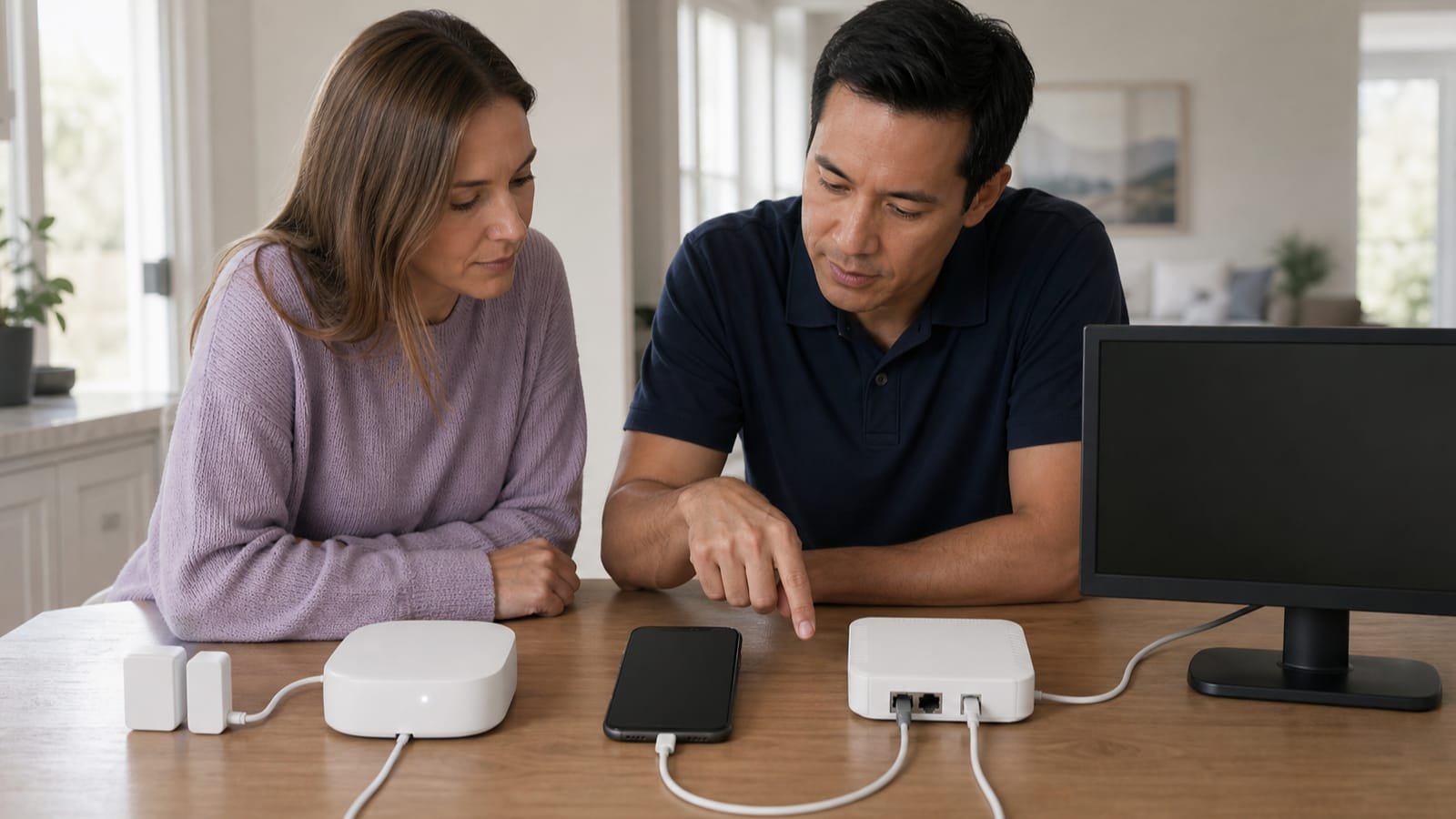
For every camera, sensor, and app, ask
- What data is created: video, audio, motion events, faces, package labels, location, device identifiers, access logs, or household routines
- Where processing occurs: device, hub, phone, provider cloud, monitoring center, or third-party integration
- Where data is stored, in which account, for how long, and under whose encryption keys or access controls
- Who can receive or request it: household roles, installers, support, monitoring staff, integrations, advertising partners, or authorities
- How users view, export, share, correct, delete, and revoke access
- What functionality remains when cloud service, subscription, internet, provider support, or the business itself ends
Privacy is not only a policy document. Verify app controls during setup: turn off unneeded microphones or analytics, narrow camera views and zones, create separate user accounts, remove installer access, enable multifactor authentication, review integrations, set retention, and test deletion. Repeat the review when a new resident, caregiver, service provider, or device joins the home.
Calculate the full contract obligation
Cost and exit matrix
| Stage | Possible obligations | Questions |
|---|---|---|
| Start | Equipment, installation, activation, permits, shipping, financing, and taxes | Which amounts are refundable, financed, or contingent on installation |
| Ongoing | Monitoring, cloud storage, cellular, maintenance, extended warranty, and feature tiers | Which features stop at each subscription level and how prices may change |
| Service event | Truck roll, replacement, battery, shipping, networking, false alarm, or permit fees | What the warranty and monitoring plan actually include |
| Move or cancel | Early termination, equipment payoff, removal, transfer, reinstallation, and account closure | Who owns devices and data; whether service transfers to the new home or buyer |
| End of support | Unsupported hardware, replacement, data export, and disposal | How notice is given and whether local operation continues |
Commission the system with realistic tests
Post-installation acceptance
- Confirm the device inventory, placement, labels, tamper status, batteries, power, networking, cellular path, and backup
- Test entry and exit delays, user codes, panic features, siren, notifications, trusted contacts, and monitoring procedures without triggering an unintended response
- Review camera day and night views, motion zones, audio, privacy masks, retention, sharing, and deletion
- Simulate safe internet and power interruptions to confirm the documented fallback behavior
- Verify permits, account ownership, installer-access removal, multifactor authentication, updates, manuals, warranty, support, and cancellation contacts
- Schedule recurring tests, battery and detector replacement, user-access review, camera cleaning, firmware review, and emergency-contact updates
Do not assume a general smart-home sensor replaces required smoke or carbon-monoxide alarms. Use appropriate listed devices, placement, testing, replacement, and local requirements, and treat app connectivity as an additional feature rather than proof of life-safety performance.
Is professional installation the same as professional monitoring?
No. Installation describes who sets up the equipment. Monitoring describes who receives and responds to alarm signals after installation. A system may offer either, both, or neither.
Will a camera-only system replace entry and life-safety sensors?
Not necessarily. Cameras provide visual information but have field-of-view, lighting, connectivity, privacy, and notification limits. Match detection methods to each event.
Do I need an alarm permit?
Some local governments require registration or permits and may impose false-alarm rules or fees. Verify the current rule with the relevant local authority rather than relying only on a seller.

Sources
Facts and figures in this guide that come from an outside authority are backed by the sources below. Pricing, program rules, and eligibility details change — always confirm current specifics with the source directly or a licensed professional before acting.
- How To Avoid Scams When You Shop for a Home Security SystemFederal Trade Commission · Accessed 2026-07-19
- How To Secure Your Home Security CamerasFederal Trade Commission · Accessed 2026-07-19
- Profile of the IoT Core Baseline for Consumer IoT ProductsNational Institute of Standards and Technology · Accessed 2026-07-19
- Data Privacy Code of Practice—Video SurveillanceSecurity Industry Association · Accessed 2026-07-19
- Complete Guide to Home Security SystemsSecurity.org · Accessed 2026-07-19
Editorial information
- We prioritize primary, authoritative sources over provider marketing.
- Commercial relationships never influence what we publish or how it's written.
- Pages are dated and updated only when they've genuinely been reviewed or changed.
Related guides
HVAC Repair or Replacement? A Homeowner Decision Guide
Use a diagnosis-first framework to compare HVAC repair and replacement, evaluate competing quotes, and avoid paying for the wrong solution.
Storm-Damaged Roof: Inspection, Repair, or Replacement?
Follow a safe, evidence-based sequence after hail or wind damage and compare roof inspection, repair, and replacement proposals without pressure.
Water Damage Cleanup: Which Service Do You Need?
Identify whether a leak, outdoor flood, sewage backup, or developing mold problem calls for water restoration, flood restoration, sewage cleanup, or remediation.
Ready to explore Home Security?
Continue your research or check availability — there's no cost and no obligation.